I am #Shining
Who's #Shining
A few golden voices from the movement. Real people. Real radiance. Real LinkedIn frames.
I am #shining and I am proud. Let my products shine — 2026 is the year we stop hiding our light. ✨
Frequently Asked Questions
What is #Shining?
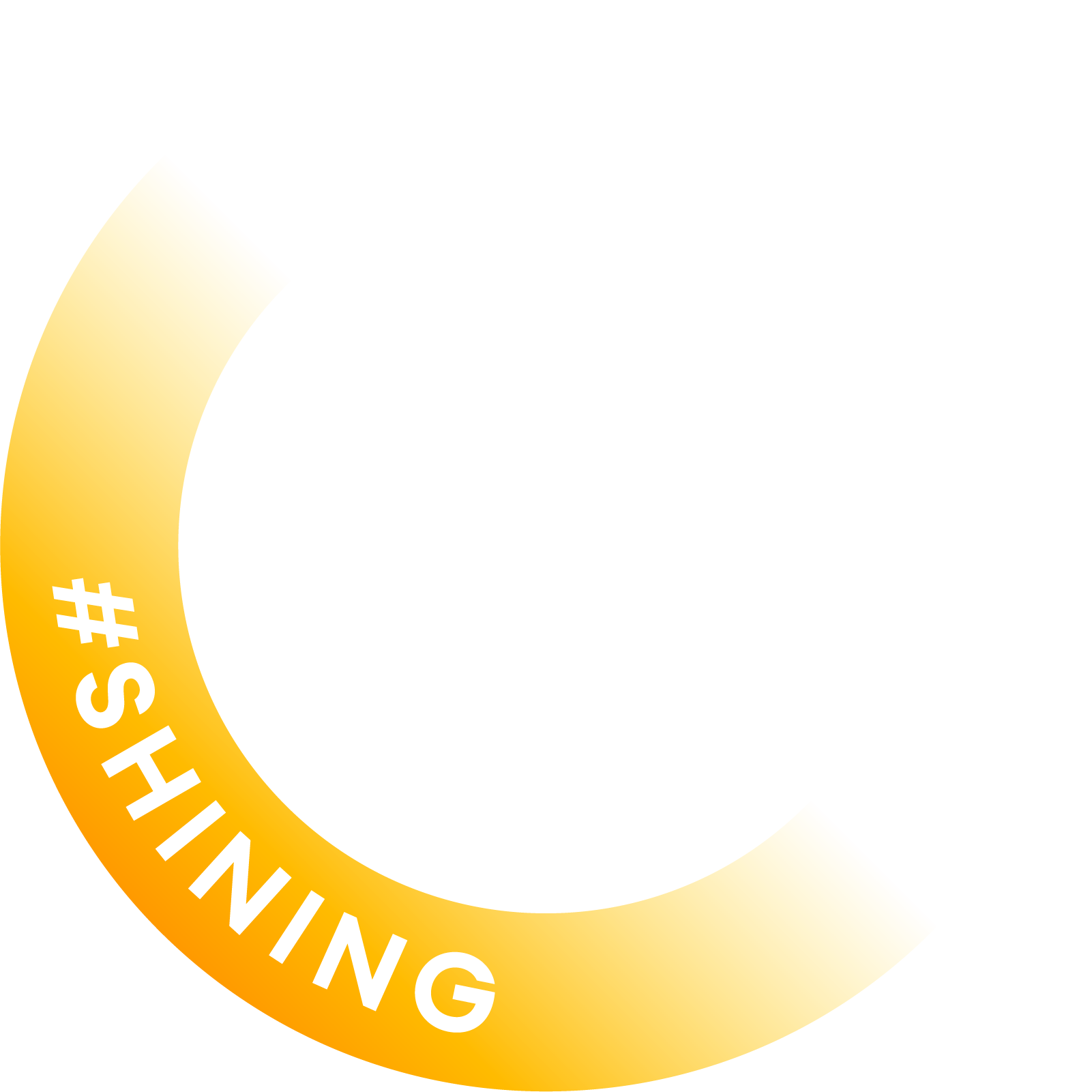
#Shining is a movement for people who want to show up with energy, optimism, and a golden glow. Upgrade your profile picture with the radiant Shining frame and signal to the world that you're in your brightest season.
How did #Shining get started?
Over a round of cold beers on a warm evening, a few friends got talking about how flat the feed had started to feel — everyone posting the same corporate headshots, the same polished smiles, none of the spark. The conversation went somewhere brighter: what if a profile picture could remind you to show up with a little more optimism? By the second pint there were sketches on a napkin. By the next morning there was code. Turns out an optimistic mindset is contagious — it spreads through every bling, every shine, every tiny golden pixel. That's how this began, and it's why we still keep it simple, playful, and free.
How do I add my Shining picture to LinkedIn?
After downloading your PNG, go to your LinkedIn profile and click on your current profile photo. Select Change photo, upload the downloaded file, and use LinkedIn's built-in crop tool to position it. Your circular Shining frame will fit perfectly since the download is already cropped to a circle. Hit Apply and your golden profile is live.
Will the frame work on other platforms?
Yes — the downloaded PNG is a square image with a circular transparent background, which works on LinkedIn, X (Twitter), Instagram, Slack, GitHub, and most other platforms that support PNG uploads with transparency.
What size is the downloaded image?
The image downloads at 600×600 px, which is the recommended size for LinkedIn profile photos and meets the minimum requirements for most social platforms.
Is my photo uploaded anywhere?
No. Everything happens entirely in your browser — your photo is never sent to any server. The canvas processing, iridescent effect, and frame overlay are all done locally on your device.
How do I get the best result?
Use a photo where your face is centred and well-lit. After uploading, drag to reposition and scroll to zoom until your face sits comfortably inside the circular frame. Adjust the Shine Intensity slider to taste — around 40–60% tends to look natural while still catching the light.